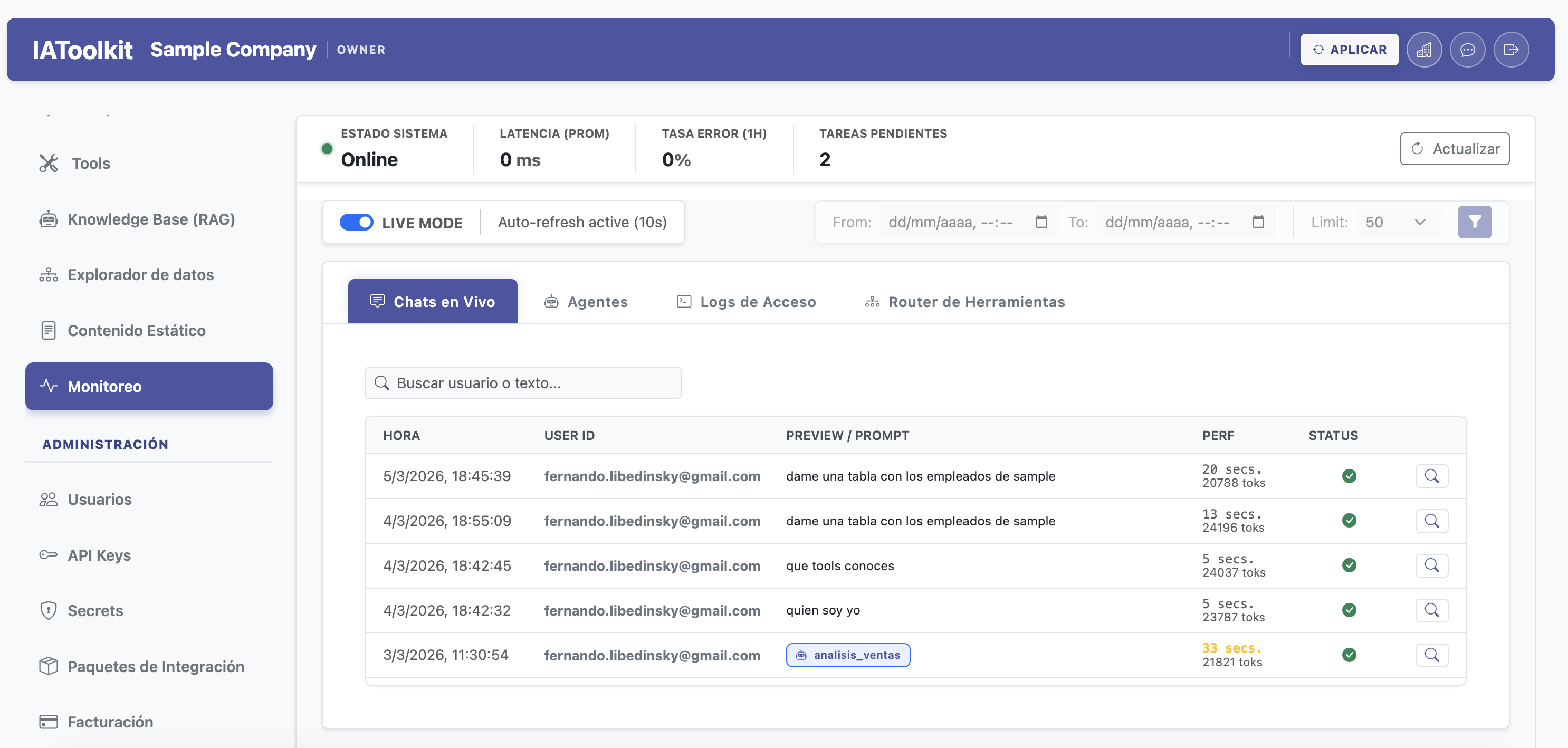
Prompts & Agents
Design behavior without leaving the GUI
Manage prompts, output settings, and the testing playground from a library organized by business categories.
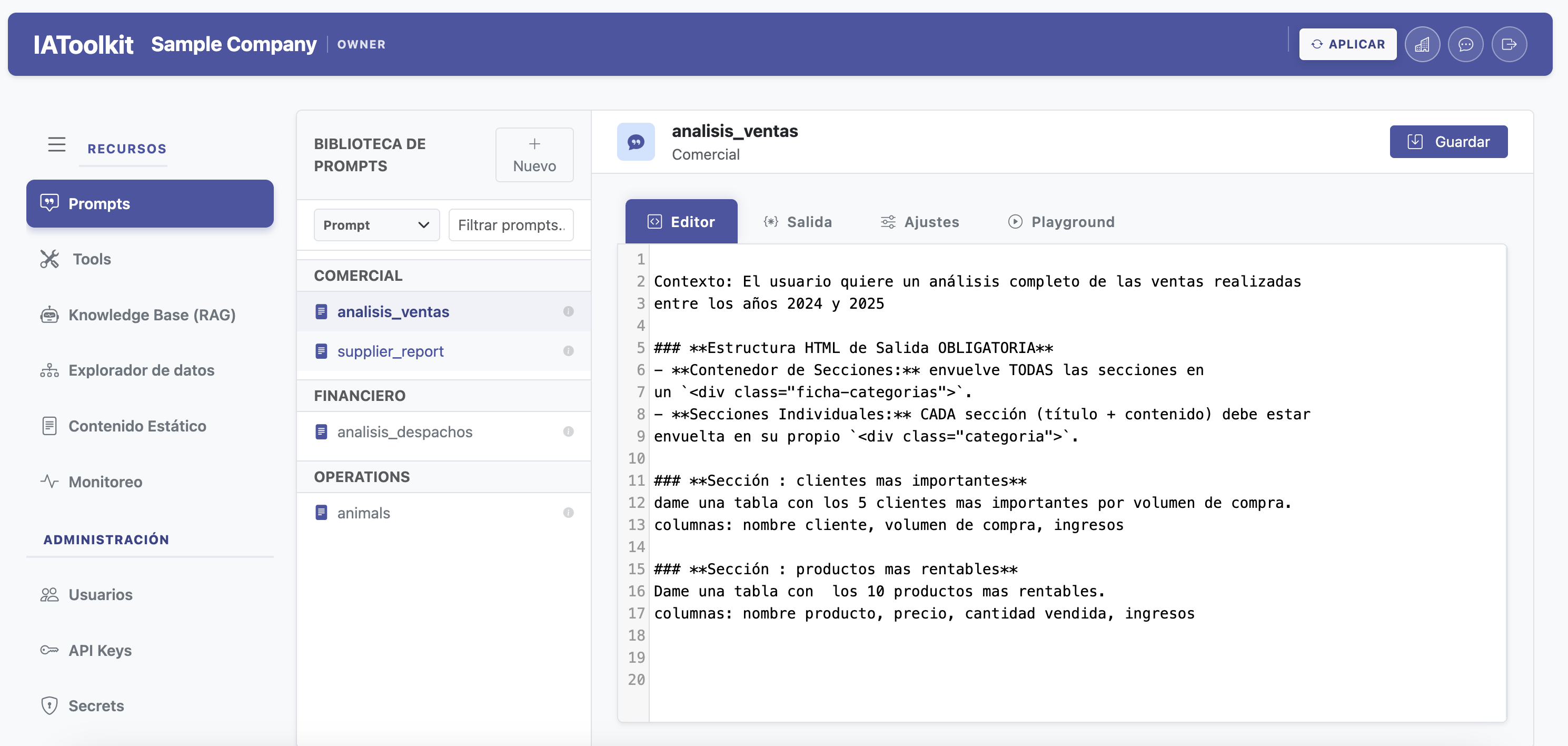
Manage context, knowledge, access, tools, automation, and monitoring from one operational interface.
The console is the surface from which you govern how AI accesses, responds, and acts on real data, knowledge, and processes.
Manage prompts, output settings, and the testing playground from a library organized by business categories.
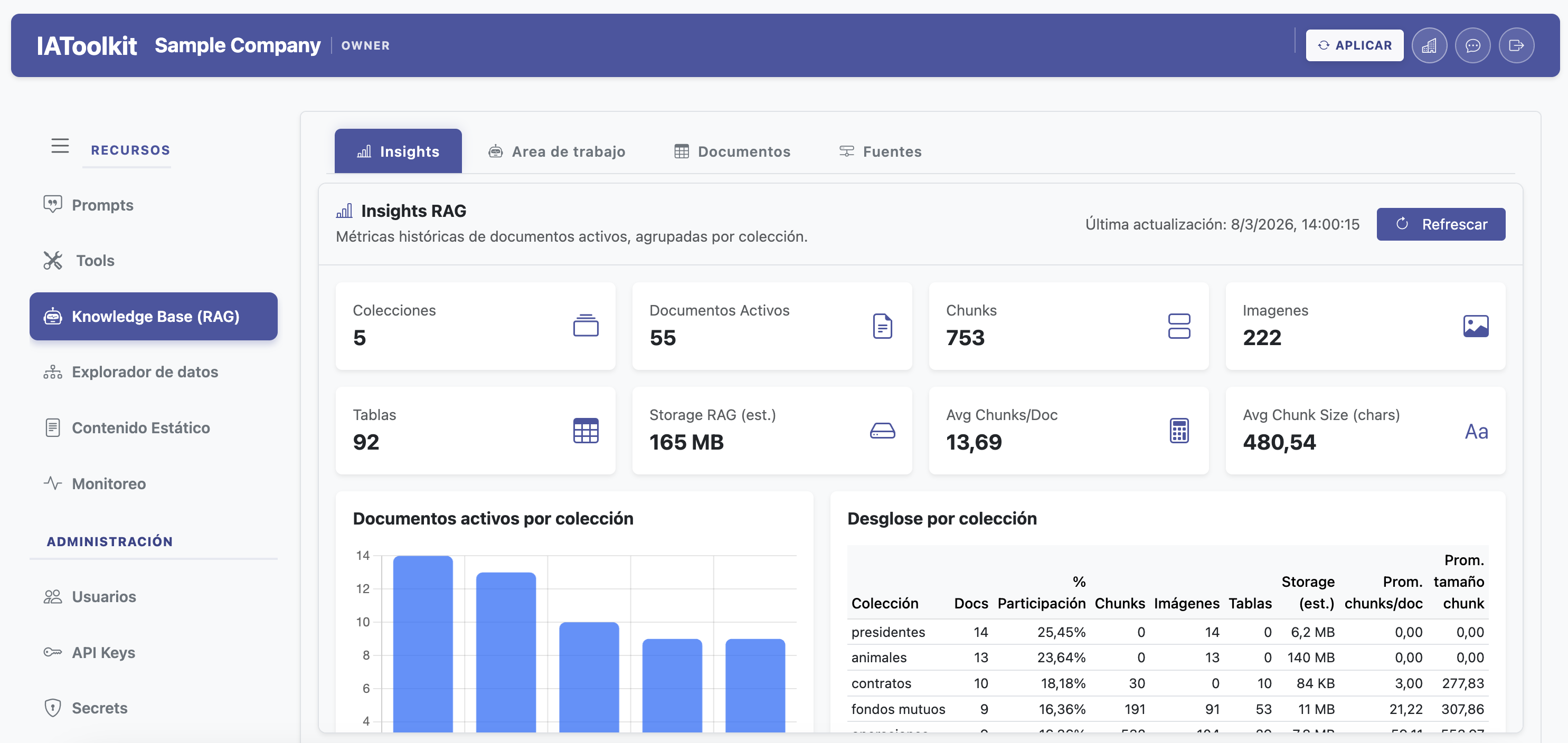
Collection metrics, document inventory, and a retrieval workbench to validate knowledge behavior.
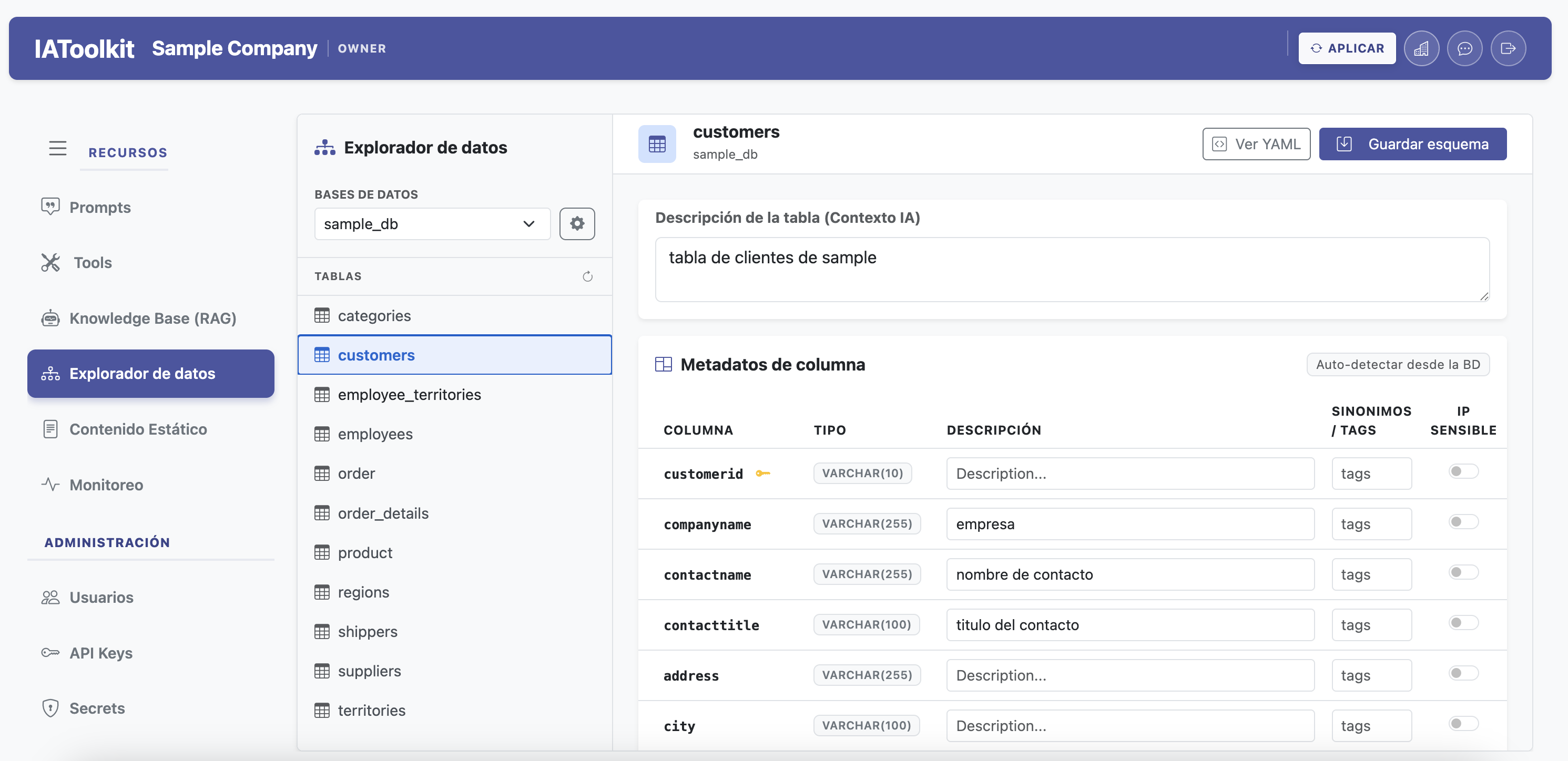
Describe tables and columns, assign tags, and keep SQL context aligned with the business domain.
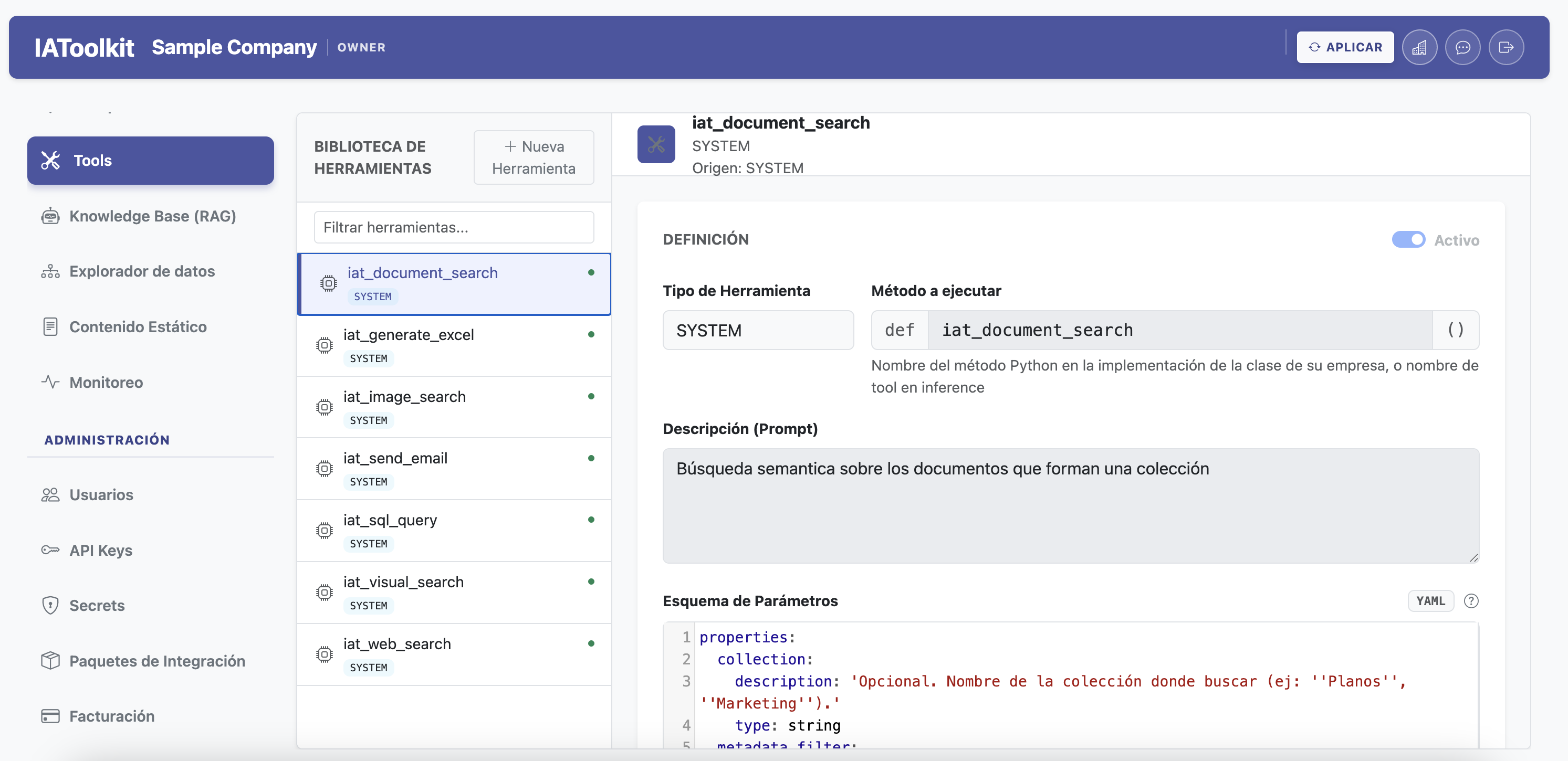
Tool library with definitions, parameters, executor method, and activation control at Company level.
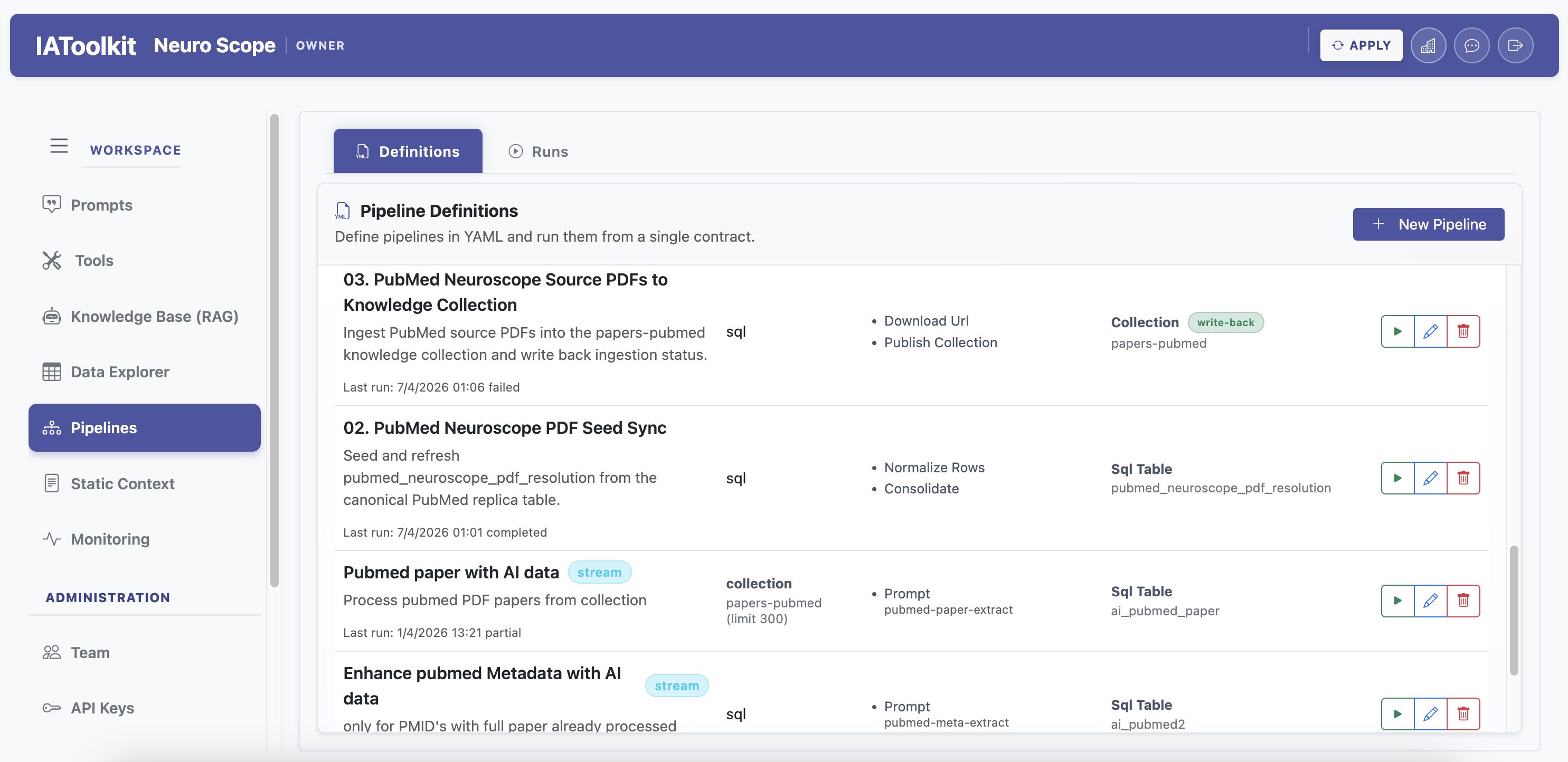
Define pipelines over documents, SQL, or APIs, monitor runs, and publish outputs with traceability.
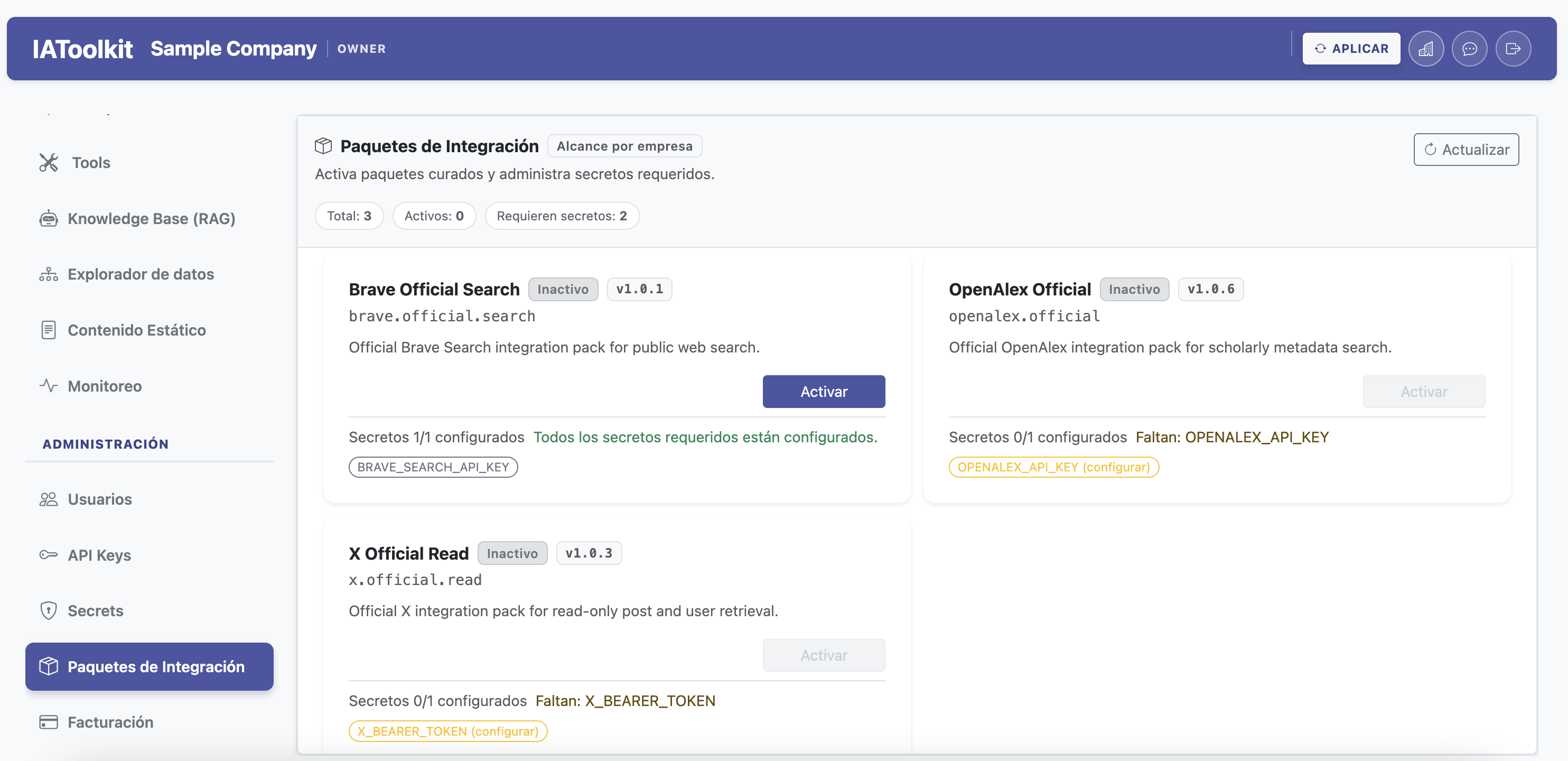
Enable official packs per Company, inspect requirements, and complete missing secrets from the GUI.
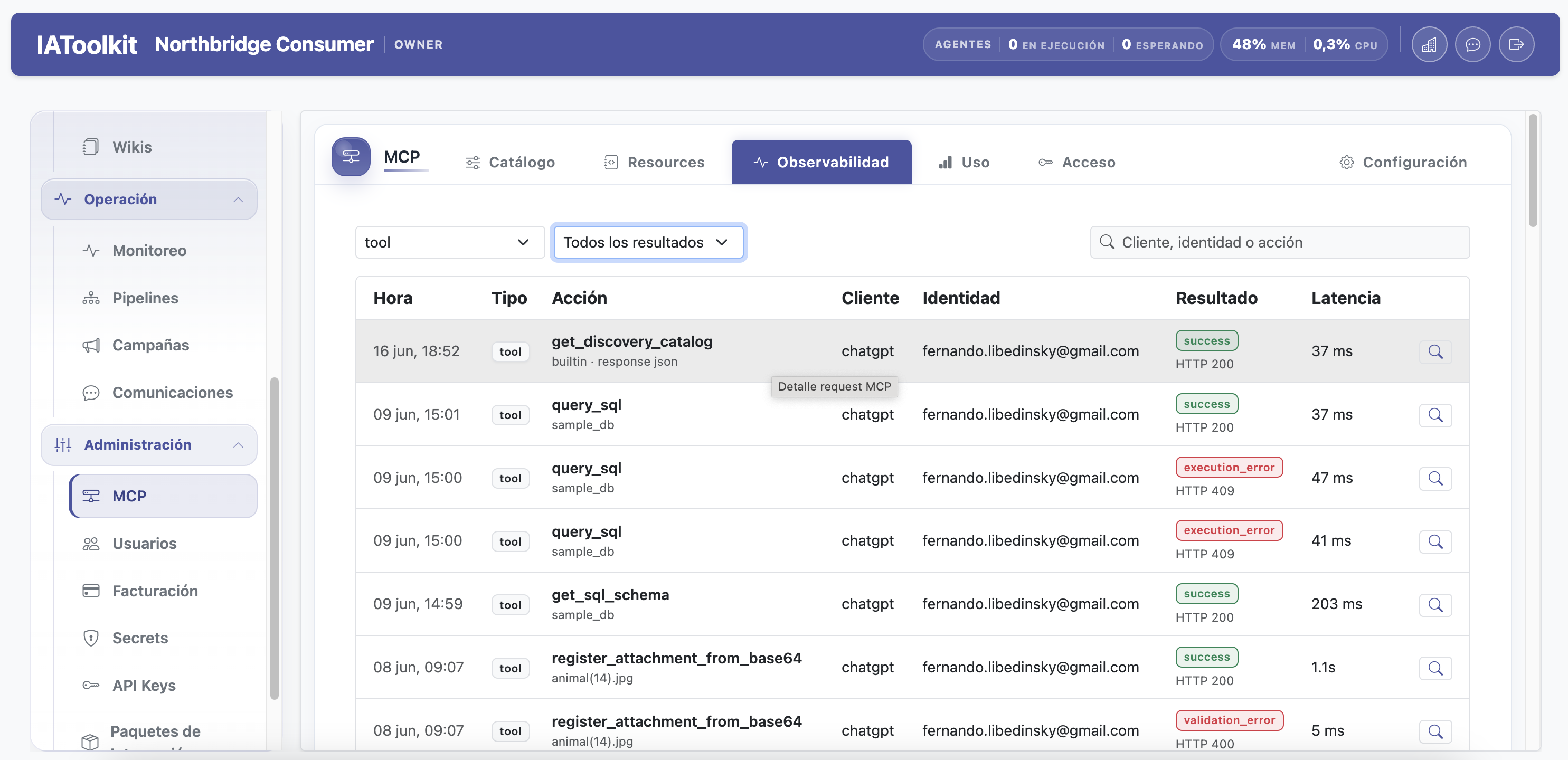
Manage who gets access, from which context it operates, and how the MCP surface stays under control from the same console.
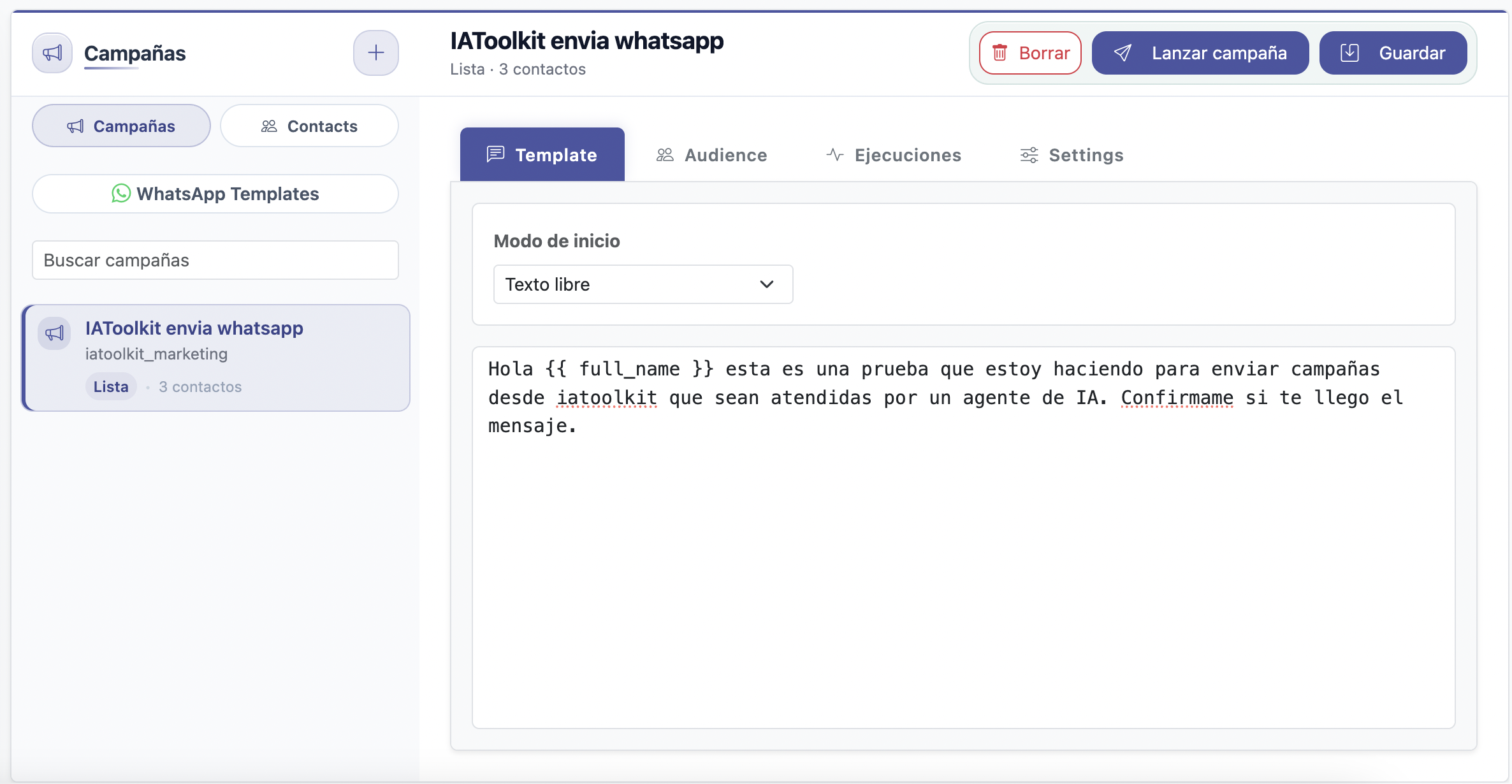
Configure templates, audiences, and executions for campaigns handled by channel agents without leaving the console.
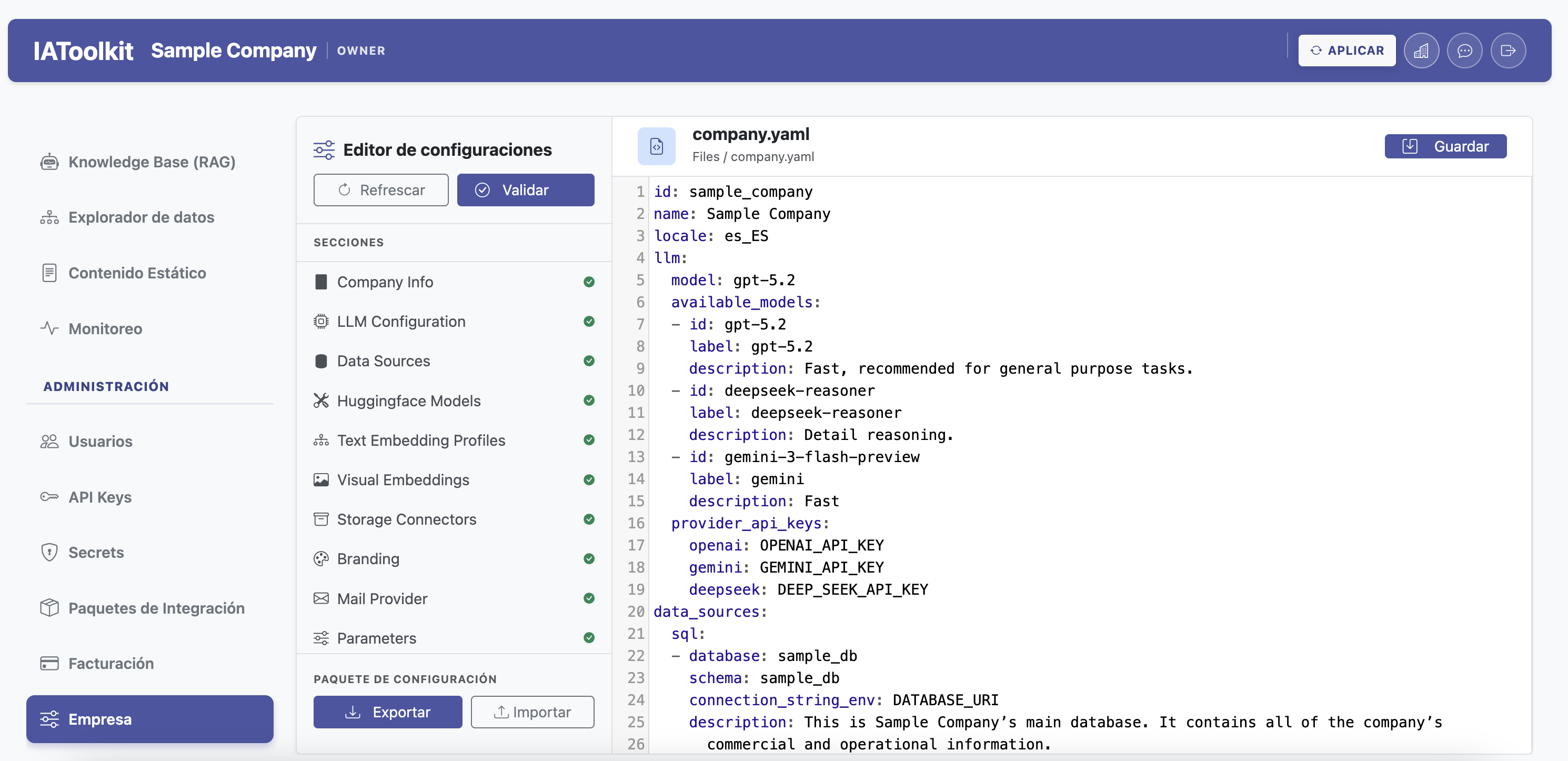
Semantic sections, validation, and export/import for controlled operational changes.
Operational monitoring with live metrics, chat history, and agent tasks.