Govern MCP as a controlled access surface
Define who enters from Claude, ChatGPT, or Gemini, which context they operate on, and under which access, secret, and traceability rules.
Connect AI through MCP, embed agents in your systems through API, and operate every execution with context, security, monitoring, and analytics.
On top of that common layer, IAToolkit governs access, document knowledge, data, automation, and sustained operations.
Define who enters from Claude, ChatGPT, or Gemini, which context they operate on, and under which access, secret, and traceability rules.
Follow runs, errors, activity, latency, and states from the console so teams can operate and support real processes.
Scale the operating model across multiple Companies, business units, or client environments without reinventing the system.
Move from basic retrieval to collections, ingestion flows, document inventory, and validation tooling over real knowledge.
Adjust prompts, agents, collections, and configuration from a GUI instead of depending only on scattered files.
Use asynchronous agents to execute prompts, ingest documents, and operate channels such as WhatsApp inside the same operating model.
Define pipelines over data and documents to normalize, validate, and publish results without losing operational traceability.
Measure tokens and USD cost with visibility by user or automation task so teams can operate with tighter control.
Your databases and internal APIs stay exactly where they are. IAToolkit reaches them through Bridge, a container that runs inside your network and opens an outbound connection to the platform.
You model your tables and their metadata once, and the assistant queries with that context instead of guessing the schema. When the domain changes, you adjust the model rather than every prompt.
You define an HTTP tool declaratively — path, parameters, and the shape of the response — and it becomes available to your agents like any other. No integration code per system.
Your internal API token lives in the Bridge configuration, inside your network. The platform never sees it. Which destinations are reachable, with what timeout and up to what response size, is declared on your side.
The model is a configuration decision, not a design assumption. Each Company declares its catalogue of available models and which one it uses by default, and that catalogue can mix providers.
You publish the models your operation is allowed to use, each described by what it is good for, and set which one leads.
The text and image embedding providers are independent from the conversation model. Switching model does not force you to reindex your knowledge, and you can run your own embedding models.
The IAToolkit core is open source under an MIT licence. The way to verify there is no lock-in is to read the code that connects the models, not to take our word for it here.
Prompts, document knowledge, SQL, integrations, monitoring, and configuration from one surface. The console page walks every screen with the concrete tasks it solves.
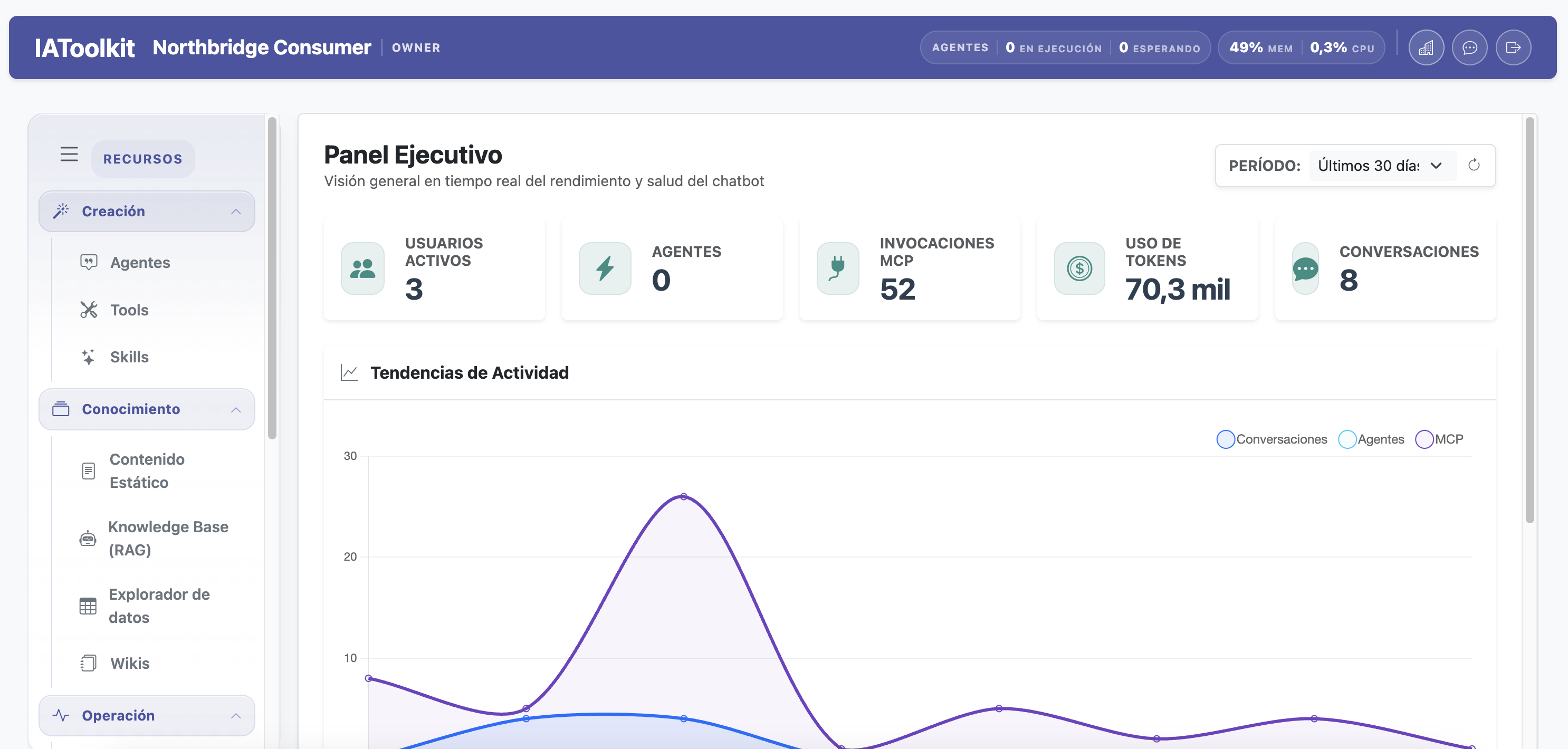
This is the surface where the product is operated day to day: publishing an agent, checking why a run failed, adjusting a prompt, or wiring a new source without touching files.